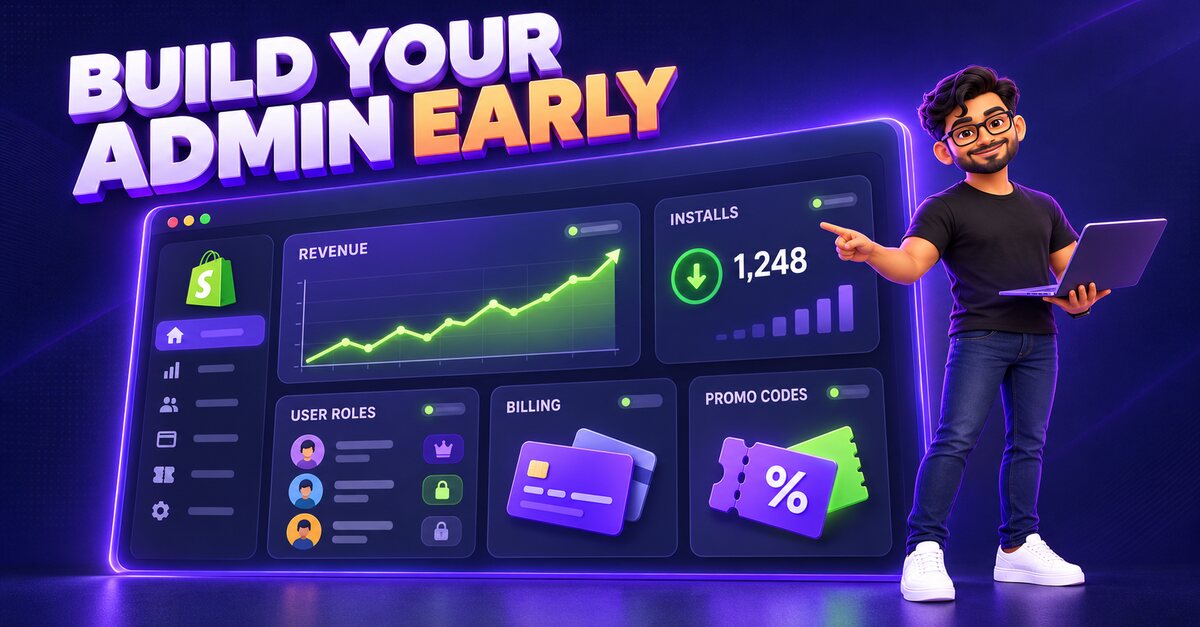
Building a Shopify App Admin Dashboard: Lessons from Boomerang Magic
What goes into a Shopify app admin dashboard: revenue tracking, billing, roles and permissions, email templates and promo codes, based on our work on Boomerang Magic.
Building a Shopify app is not only about the features merchants see. Behind every successful app is an admin dashboard where the app team tracks revenue, manages installs, handles billing and supports merchants. Our team built this kind of control centre for Boomerang Magic, a Shopify SaaS app. Here is what we learned.
What a Shopify app admin dashboard needs
Revenue and install tracking
A clear view of recurring revenue and active shop installations is your mission control. You should see at a glance which shops installed, which churned and how revenue is trending.
Team management with granular permissions
As your app grows, support staff, developers and marketers all need access, but not to everything. Role-based permissions and activity tracking keep sensitive data safe.
Communication tools
Built-in email and notification template editors let your team update onboarding and billing emails without a developer.
Billing and subscriptions
A robust billing engine handles plans, upgrades, downgrades and failed payments, and it has to work correctly with Shopify's billing API.
Growth tools
Promo code generation and detailed transaction reporting help you run campaigns and understand your numbers.
Lessons for Shopify app founders
- Build the admin early. Without it, your team ends up running the business from spreadsheets and database queries.
- Treat billing as a core feature, not an afterthought. Billing bugs cost revenue and trust.
- Design permissions before you hire. Adding roles later is much harder than starting with them.
Need a Shopify app or custom Shopify automation?
We build Shopify apps, admin dashboards and store automations. Talk to our team at Solidy.io or contact PiRhoTech for a free consultation.